



Spinania Mobile Platform
Our specialized mobile solution gives players quick access to Spinania Casino. In the Spinania app, you can play all our games with the same functionality as the browser version. The interface is fast and optimized for stable performance and a better gaming experience. We have developed the Spinania app to the same quality as the desktop or browser versions, and it is accessible from anywhere.

Using Spinania on Mobile
Spinania’s mobile software has all the same features as a casino, but it’s easier to use. The mobile app is made to be easy to find and use, so it’s great for short or long game sessions. The PC version offers a larger screen and more detailed graphics, but the mobile app is faster and easier to carry around, and it still has all the same core features. One of the most valuable features of our app is notifications and in-game alerts, which allow players to stay up to date on promotions and events in real time. We often update promotions and can send you notifications, such as updates on a player’s VIP gift status. In the Spinania app, you can play online slots, join games with live dealers, play table games, or crash games with instant winnings.
| Aspect | Spinania Mobile App | Spinania PC Version |
| Usage Style | Designed for gaming on the move | Designed for extended sessions |
| Login Speed | One-tap access after setup | Manual login each session |
| Controls | Gesture-based and touch-friendly | Mouse and keyboard input |
| Updates | Automatic background updates | Browser-based updates |
| Convenience | Instant access anywhere | Best for home or office use |
| Notifications | In-app alerts and updates | No push notifications |
Spinania Android Mobile App
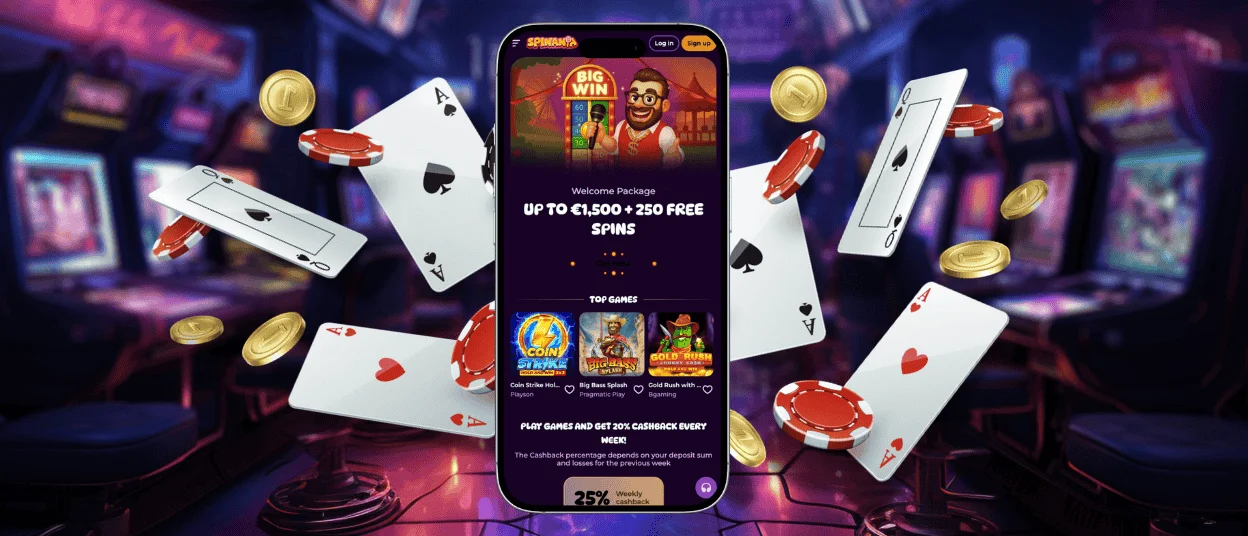
The Spin Ania mobile app for Android is designed for optimal performance on mobile devices. It provides full functionality: games, completing the verification process, and accessing your account management without compromising performance. The interface is optimized for touch control with high-quality gaming on Android devices.
PWA
We offer a special progressive web app (PWA) that is accessible through a browser. This version installs quickly, takes up minimal disk space, updates automatically, and provides instant access from the home screen with full platform functionality.
APK
No APK file is required. We have optimized the application to a lighter and more accessible PWA file. Therefore, there is no need to download external installation packages or search for the application in the Play Store. The software downloads quickly and securely through our official website.
Installing the Spinania app on Android is easy:
- Scroll down the Spin Ania website and click on the “Casino app” button.
- Confirm the installation, and it will be added to your home screen.
Spinania iOS Mobile App
The mobile version of Spin Ania for iOS is designed for improved gameplay without the need to download apps from the App Store. Our platform works flawlessly in Safari and other browsers. The Spinania app for iOS gives you instant access to the full game catalog, account management tools, promotions, and withdrawals. Our software can be installed directly from the website, so there is no need to search for the Spinania app in the App Store or anywhere else. You can play without having to open your browser every time. The software for iOS provides the same performance and functionality as the browser version, but with navigation optimized for iOS devices.
How to install Spinania on iOS:
- Tap the Share icon in the Safari address bar on the Spinania website.
- Select Add to Home Screen.
- Confirm to install the web app.
Windows and macOS Applications
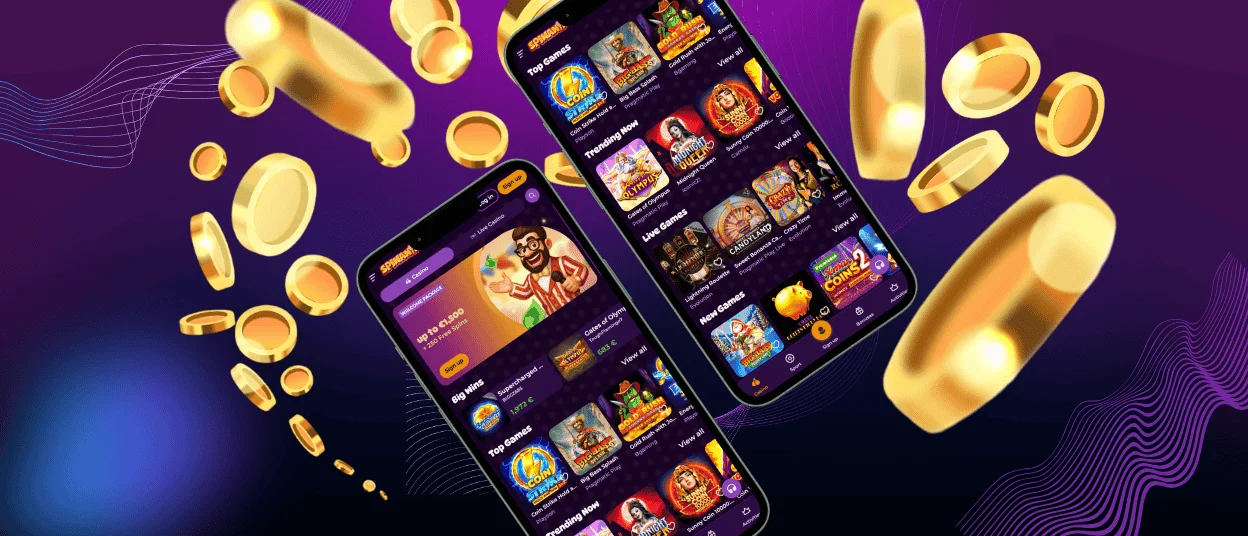
Spinania Casino offers a solution for players who prefer to play on PCs and laptops. Our platform works in all major browsers, including Google Chrome and Safari, without the need to download any files. Through the browser, players get instant access to the full catalogue of games, promotions, and account features.
For convenience, we have also developed a web application that can be installed from our website. This desktop application has the same performance and functionality as the browser version. The Spinania application for PC offers faster access from the home screen. Installation is quick and secure on both Windows and macOS.
How to install the desktop app:
- Open the Spinania website in your browser.
- Click the three-dot menu in the address bar.
- Select “Cast, save, and share.”
- Choose the Install tab.
FAQ
Is Creating an Account Required to Use the Spin Ania App?
Yes, you need to create an account to use the Spinania app. Only registered users can play all our games, get bonuses, take part in tournaments, and withdraw winnings. Registration is easy, takes only a couple of minutes, and a few clicks. After registering, players can use the mobile casino, and their personal accounts will be fully protected.
Does the Spin Ania Casino App Have Customer Support?
Yes, the Spinania Casino app provides full customer support. Players can contact our professional support team 24/7 with any questions. Support is available in several languages at any time via live chat through the app or browser, as well as via email. Our specialists always respond promptly so that you receive help immediately.
How Can I Update the Spinania Casino App?
The Spinania app updates automatically. Players do not need to manually download or install updates. All improvements, bug fixes, and new features are applied in the background. Updates are safe and fast, with full app functionality. Our software is updated without interrupting gameplay or requiring any additional action on the part of the user.


